OctoberOverhaul

Hey everyone!
Excited to share some updates that have been brewing for a while. Here’s what I’ve been working on!

Highlights
GitHub Projects
Manage everything from issues to pull requests.
One of the steps I’ve taken recently is integrating GitHub into my project. This has completely transformed how I manage everything from issues to pull requests.
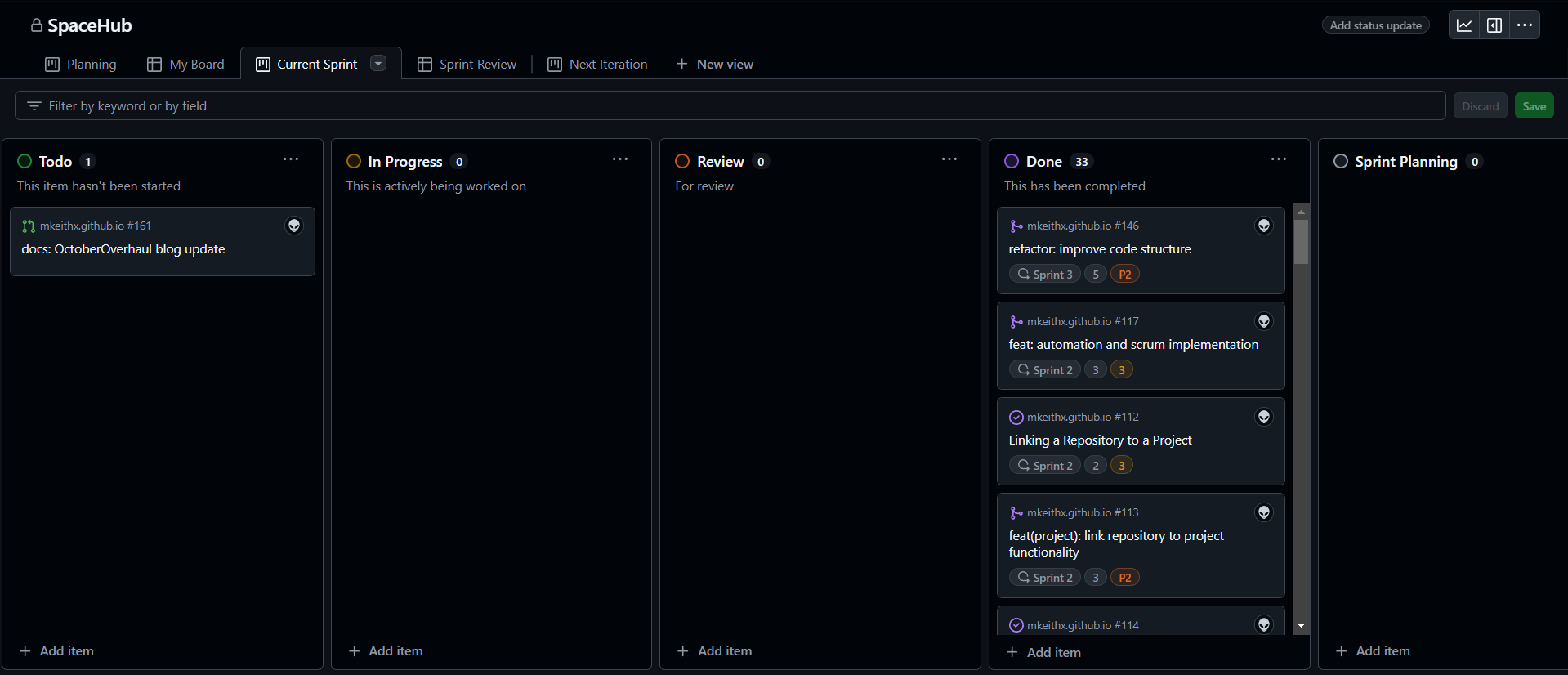
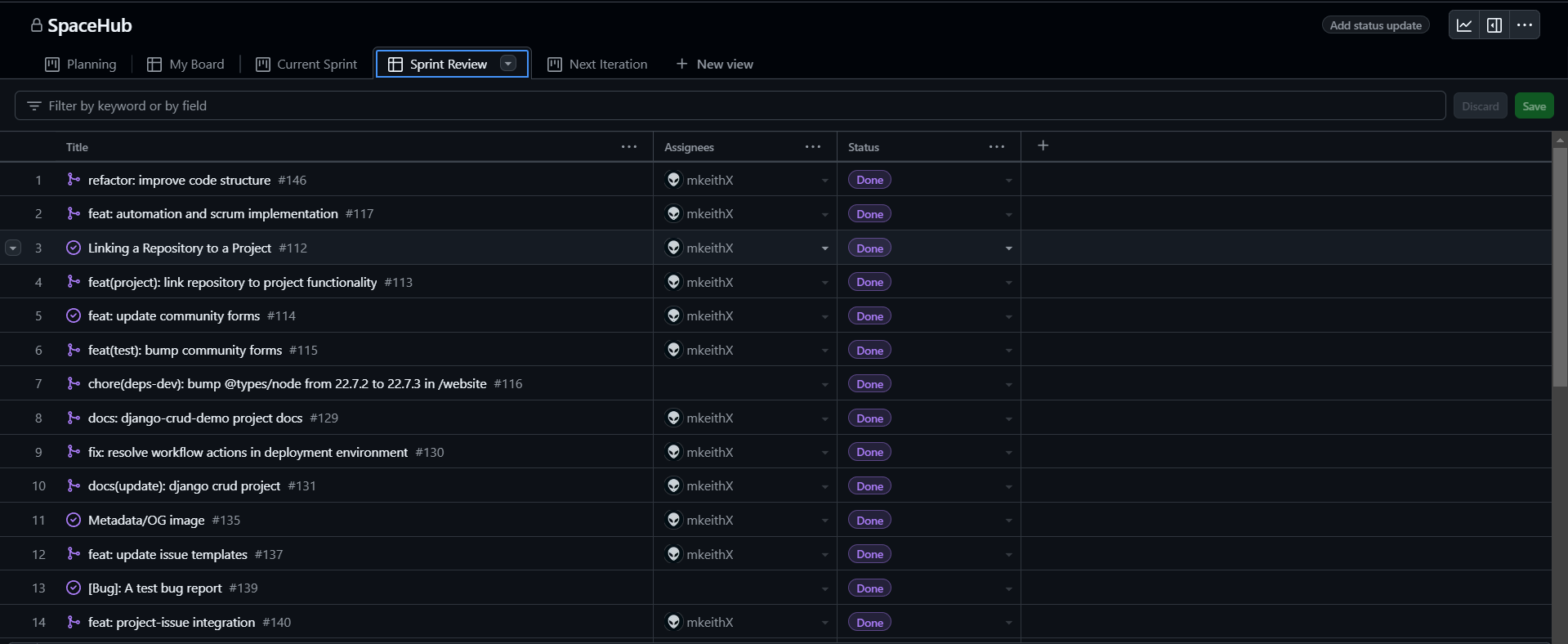
What's in it
- Streamlined Workflow: I can now sync issues, pull requests, and commits directly with my dashboard, making tracking progress so much easier!
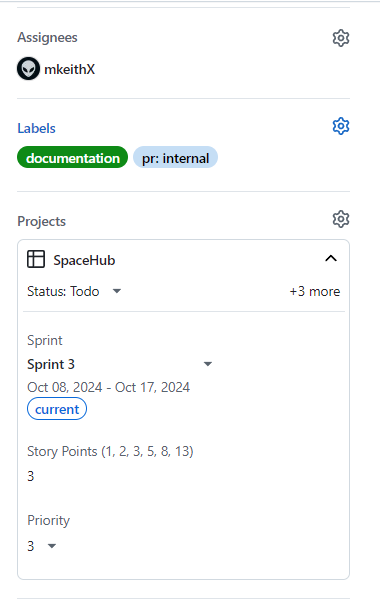
- Automated Actions: I’ve set up specific triggers for GitHub events, allowing me to automate parts of my workflow and focus on development.
This integration has simplified the development process and made it a lot more enjoyable!
More about GitHub Projects.
Reviving Django
Getting back to the web framework for perfectionists with deadlines.

After taking some time off, I felt it was the perfect moment to dive back into Django and do some refresh. As a start, I come with a mini project django-custom-user. This project serves as a simple yet effective way to explore the fundamental CRUD (Create, Read, Update, Delete) operations using Django.
Features
- Custom User Model : Extend the default user model using AbstractUser to add fields like bio or profile picture while retaining authentication features.
- PostgreSQL : Use PostgreSQL as the database backend.
- More : Custom features such as creating dummy users, age restriction ect..
Quick Start
Clone to it in your local machine:
git clone https://github.com/mkeithX/django-crud-demo.git
Visit the repo to know more.
Enhancements
- Feature Request : I’ve also streamlined the process especially for those who are not ready to open a pull request.
- Action Workflows : Bumped action workflows to automate key processes.
- Cloudflare Deployment : Integrated GitHub actions via Cloudflare, adding an extra layer of security and performance.
View workflow configuration
name: Deploy
concurrency: development
on: [pull_request]
jobs:
  deploy-preview:
    runs-on: ubuntu-latest
    environment: development
    permissions:
      contents: read
      deployments: write
    timeout-minutes: 30

    steps:
      - name: Checkout
        uses: actions/checkout@v4
        with:
            fetch-depth: 0

      - name: Node setup
        uses: actions/setup-node@v4
        with:
          node-version: lts/*

      - name: Install Dependencies
        run: |
            cd website
            npm ci && npm run build

      - name: Deploy
        uses: cloudflare/pages-action@v1.5.0
        with:
          apiToken: ${{ secrets.CLOUDFLARE_API_TOKEN }}
          accountId: ${{ secrets.CLOUDFLARE_ACCOUNT_ID }}
          projectName: ${{ secrets.CLOUDFLARE_PROJECT_NAME }}
          directory: ${{ secrets.BUILD_DIR }}
          gitHubToken: ${{ secrets.GITHUB_TOKEN }}
          wranglerVersion: '3'
This workflow ensures that every push and pull request triggers tests, helping me maintain code quality and reliability.
What's Next
Here's what’s coming up:
- New Features
- Performance Improvements
- Better Documentation
Thanks for your time and happy coding!